
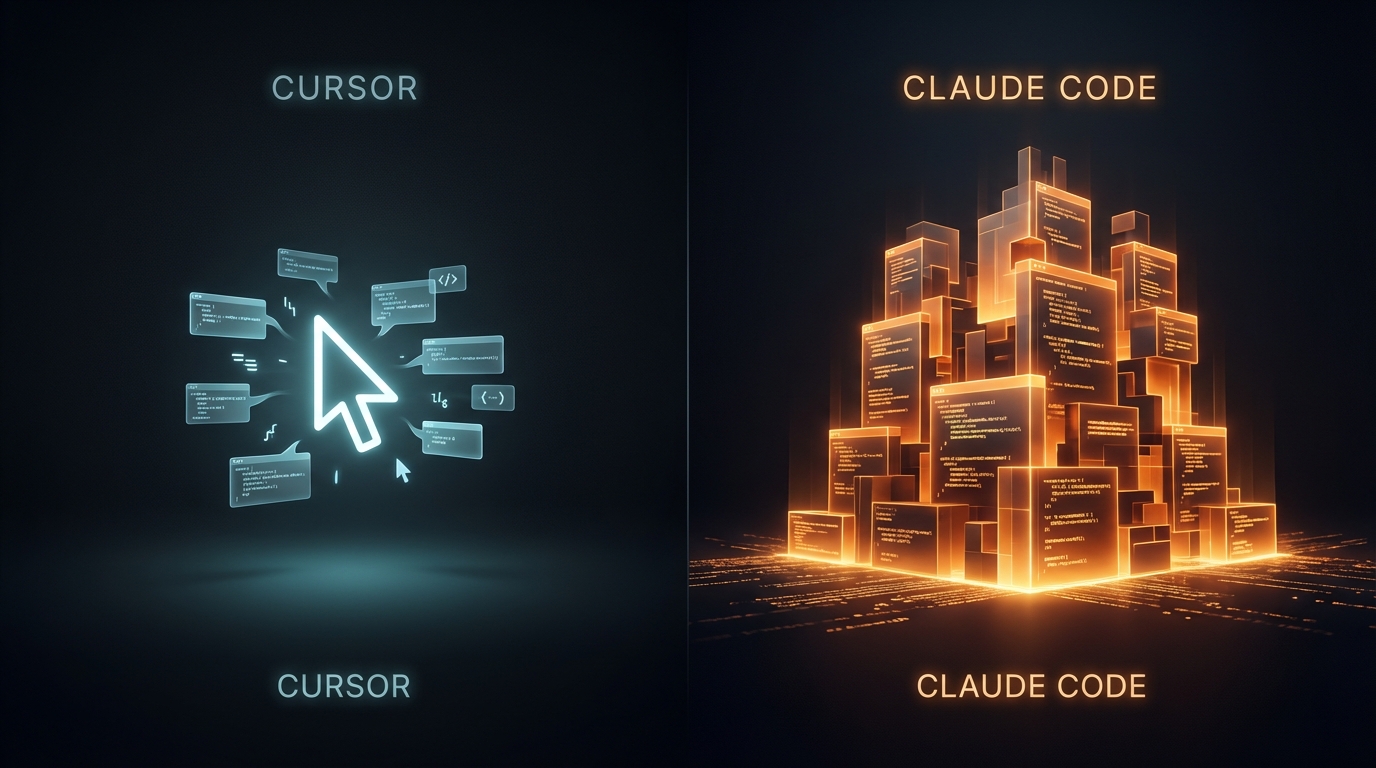
I Switched from Cursor to Claude Code (Here's What I Learned)
It was a Sunday afternoon in Madrid. Low energy, nothing left in the tank after a good weekend. I opened Claude Code for the first time since getting my Claude Pro subscription, dropped in a detailed prompt for a landing page I'd been putting off, and walked out the door.
When I came back, it was done.
Not "mostly done." Not "here's a skeleton, fill in the rest." Done. Clean code, no bugs, exactly what I'd described. I sat there for a second just... staring at it.
I'd been using Cursor for months. It's a great tool. But that moment felt different — like the gap between "AI assistant" and "someone I can actually delegate to" had quietly closed while I wasn't paying attention.
This is my honest account of switching to Claude Code. What it got right, what frustrated me, and why I'm now seriously considering upgrading to Claude Max just to get more of it.
Why I Even Made the Switch
I'm not a full-time developer. I'm an automation consultant based in Madrid — I build AI workflows, automate business processes, and ship my own side projects on the side. Things like NeverZero, a 3D menu app, and various integrations for my business site hsmart.dev. Code is part of my daily life, but I'm not in an IDE eight hours a day.
Cursor fit that lifestyle well enough. Inline suggestions, fast iteration, never really cuts you off. It became the default, the way Chrome becomes the default browser — not because you chose it, not because nothing better exists, but because it was there and it worked.
Then I got Claude Pro and decided to actually test Claude Code on real projects. Not a tutorial. Not a toy app. Real things I needed to ship.
That's when "good enough" stopped feeling good enough.
What Claude Code Actually Did (Real Projects, Real Results)
The best way I can describe the difference is this: I stopped hovering. With most AI coding tools, you stay close. You peek at what it's doing, catch it going sideways, correct course. With Claude Code, I found myself just leaving — starting a task, going to do something else, coming back to review the result.
That's not blind trust. That's earned confidence. Here's what built it.
The landing page that started it all
The first real test was a landing page for a 3D menu app I'm building. I wrote a detailed prompt — structure, sections, what I wanted it to feel like — kicked it off, and went out for a walk. When I came back it was nearly finished. When it wrapped up: complete, polished, no bugs, nothing to fix. Exactly what I'd described.
This wasn't a simple static page. It had specific layout requirements, interactivity, and a particular aesthetic to match. Cursor would have gotten me there too — but through five or six back-and-forth rounds. Claude Code got it right the first time.
The newsletter pipeline
This one impressed me more because it wasn't just a UI task — it was a system.
I needed a newsletter integration for my website. The brief: pull journal entries from my Notion database, generate a newsletter draft, push it back to a Notion newsletter DB where I can review and adjust it, then have my website pick it up on a schedule and send it to subscribers — automatically marking it as sent and saving the timestamp. This is exactly the kind of automation work I do for clients.
That's a multi-step pipeline touching multiple APIs with state management across systems. I wrote the prompt, set it running, went out to walk my dog, came back to find it almost done. Reviewed the output: 100% correct. Everything wired up exactly as specified. It's been running without issues since.
The SEO issue I didn't know I had
This one is my favourite example — because I didn't even go in looking for a fix.
I asked Claude to pull from my website and give me a summary of everything it could learn about me, essentially testing how well my online presence communicated what I do. It came back with some findings, but then added something almost as an aside: "By the way, I wasn't able to get much information from your website directly. That's worth paying attention to — if I can't read it easily, Google probably can't either, which means your SEO is likely suffering."
I hadn't asked about SEO. It just noticed, and told me.
Turned out it was completely right. Dynamic JavaScript loading was hiding all my content from crawlers — Google was visiting my site and seeing almost nothing. From that one unprompted observation, we ended up refactoring the whole website to make it both SEO and GEO friendly — a project you can see more of in my portfolio.
That's the moment I realised I wasn't just using a faster coding tool. I was working with something that was actually paying attention.
The One Thing That Genuinely Frustrated Me (And Why I'm Still Here)
Let me be straight with you: Claude Code has a usage limit problem.
Not in the sense that it's broken or unreliable — but if you're coming from Cursor, the ceiling will catch you off guard. Cursor's €20/month plan feels essentially unlimited for day-to-day use. You're rarely thinking about how many requests you've made. It's just on, whenever you need it.
Claude Code is different. During my first real session — the 3D menu landing page — it hit its limit mid-task. Not mid-file. Mid-plan. I had to wait for my limits to reset. That was it. When they did, I typed "continue" — and it picked up exactly where it left off, no context re-establishment, no repeating myself, no lost thread. Technically impressive. But the wait itself, coming from Cursor's always-on feel, was jarring.
And I won't pretend it didn't bother me. It did.
But here's what I keep coming back to: I didn't go back to Cursor.
Because the trade-off only runs one way. With Cursor you get more attempts. With Claude Code you get better results per attempt. On complex, multi-step tasks with a clear brief — the kind of work I actually do — Claude Code's output quality is consistently a level above. Fewer correction rounds. Less babysitting. More "walk away and come back to something done."
So instead of switching back, I'm now seriously looking at Claude Max — the higher tier that lifts those usage constraints. And that tells you everything honestly. I'm not considering paying more because I need new features. I'm considering it because what's already there is good enough that I want more of it. That's a different kind of endorsement than any feature comparison can give you.
Cursor vs Claude Code — The Honest Breakdown
Most comparisons you'll find online turn into feature tables and benchmark scores. This isn't that. This is about workflow fit — specifically for someone like me: building real things without being glued to an IDE all day.
Different mental models
Cursor feels like a co-pilot. It lives inside your editor, watches you type, autocompletes your thoughts. It's at its best when you're already in flow and just want friction removed. If you know exactly what you're building and you want to move fast, Cursor is excellent company.
Claude Code feels more like delegating to someone capable and then reviewing their work. You write a clear brief, you step back, you come back to something finished. It's at its best when the task is complex enough that you'd rather hand it off entirely than steer it line by line.
Neither is superior. They suit different moments. But if your typical session looks more like "here's a system I need built" than "help me finish this function," Claude Code fits that shape better.
Output quality on complex tasks
For simple, contained tasks the gap is small. For multi-step work — pipelines, integrations, full features with moving parts — Claude Code pulls ahead consistently in my experience. Less back and forth. Fewer corrections. More first-attempt completions that hold up.
The 200k context window also matters more than I expected. On larger tasks it stays coherent in a way that shorter-context tools don't always manage — and that seamless "continue" after a limit reset is part of the same story.
The pricing reality
Cursor at €20/month feels unlimited because for most use cases it practically is. Claude Pro at €20/month has noticeable limits — you will hit them if you're doing serious agentic work. Claude Max exists to remove that ceiling. Going in with eyes open: budget accordingly if you plan to use it heavily.
Two Weeks In, I'm Not Going Back
Claude Code isn't perfect. The usage limits on Claude Pro are a real consideration, especially coming from Cursor's always-on feel. And if you're primarily a flow-state coder who wants inline suggestions while you type, Cursor is probably still your tool.
But if you work the way I work — clear briefs, complex tasks, wanting to delegate rather than steer — Claude Code is operating at a different level. The newsletter pipeline, the landing page, the SEO issue it caught before I even knew to look for it. That last one especially. A tool that notices things you didn't ask about and tells you anyway isn't just faster. It's genuinely useful in a way that changes how you think about what AI tooling can be.
The fact that I'm now looking at Claude Max — not for new features, but simply because I want more of what's already there — is probably the most honest thing I can tell you.
If you're figuring out how to build smarter workflows around tools like these, that's exactly what I work on at hsmart.dev. Feel free to explore or reach out — I'm always happy to talk automation.